DMSS/Introduction and Region Selection
This guide will show you how to navigate through the introduction of DMSS.
Instructions
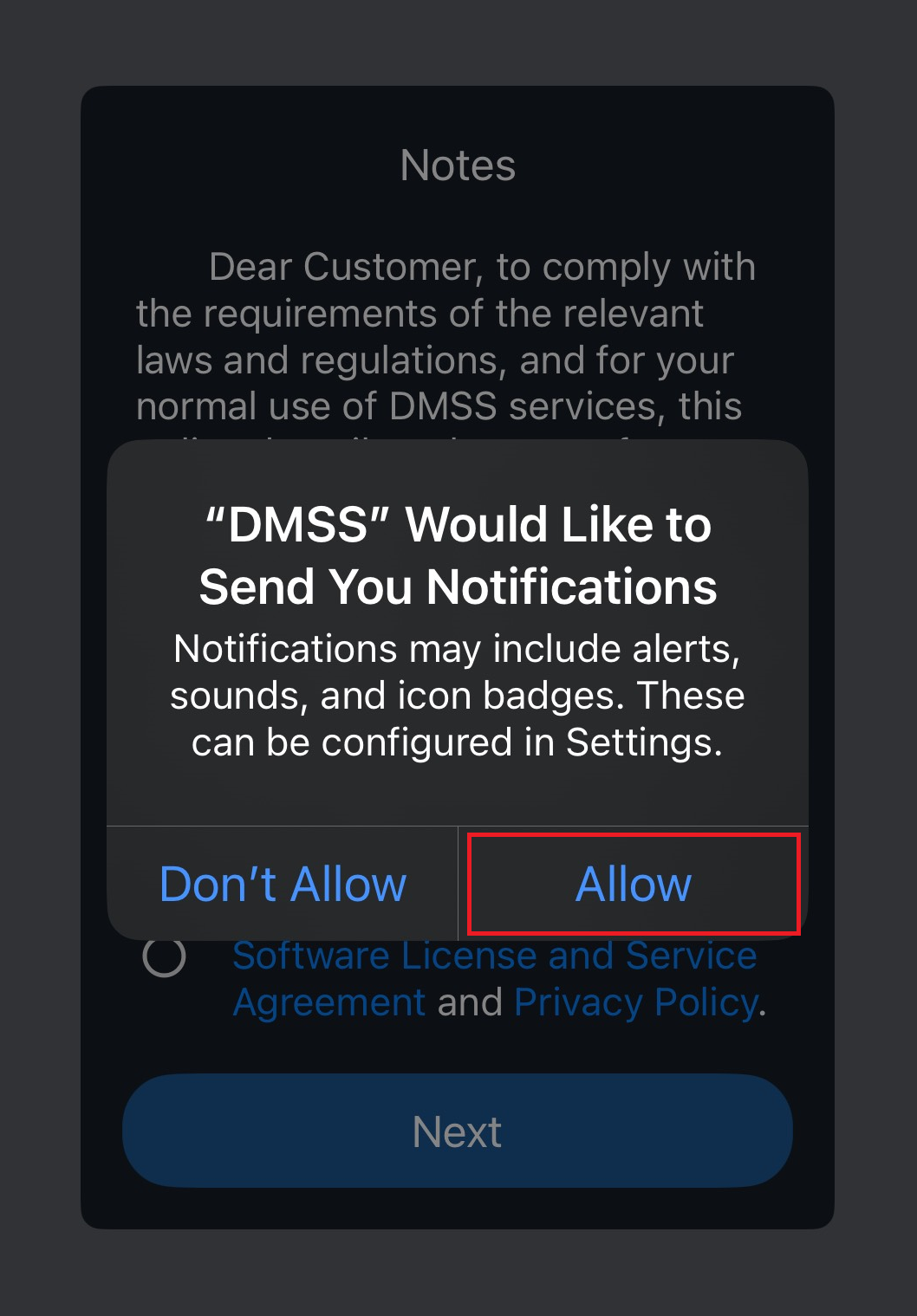
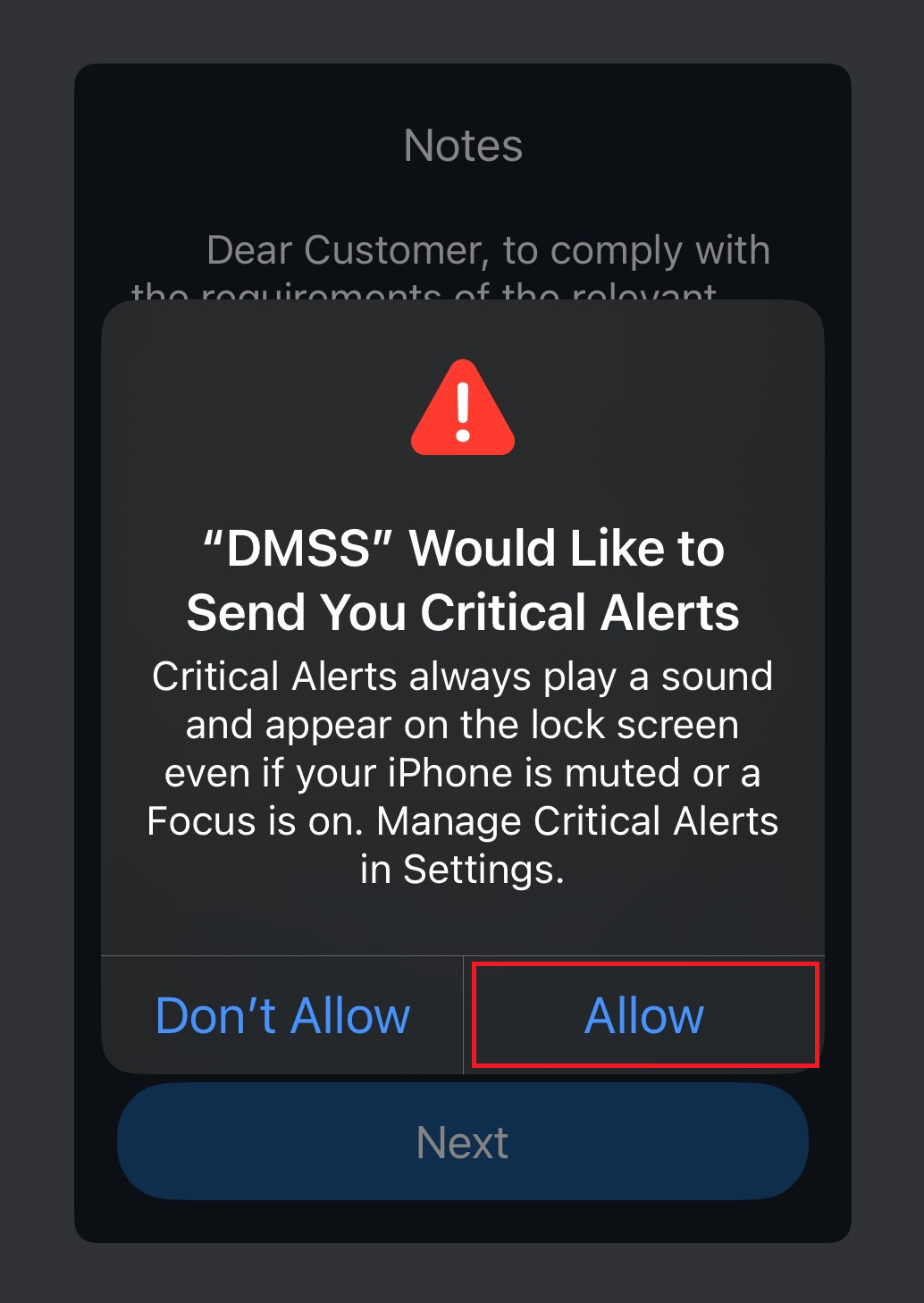
1.) Upon opening DMSS for the first time, Allow the app to send you notifications and critical alerts.
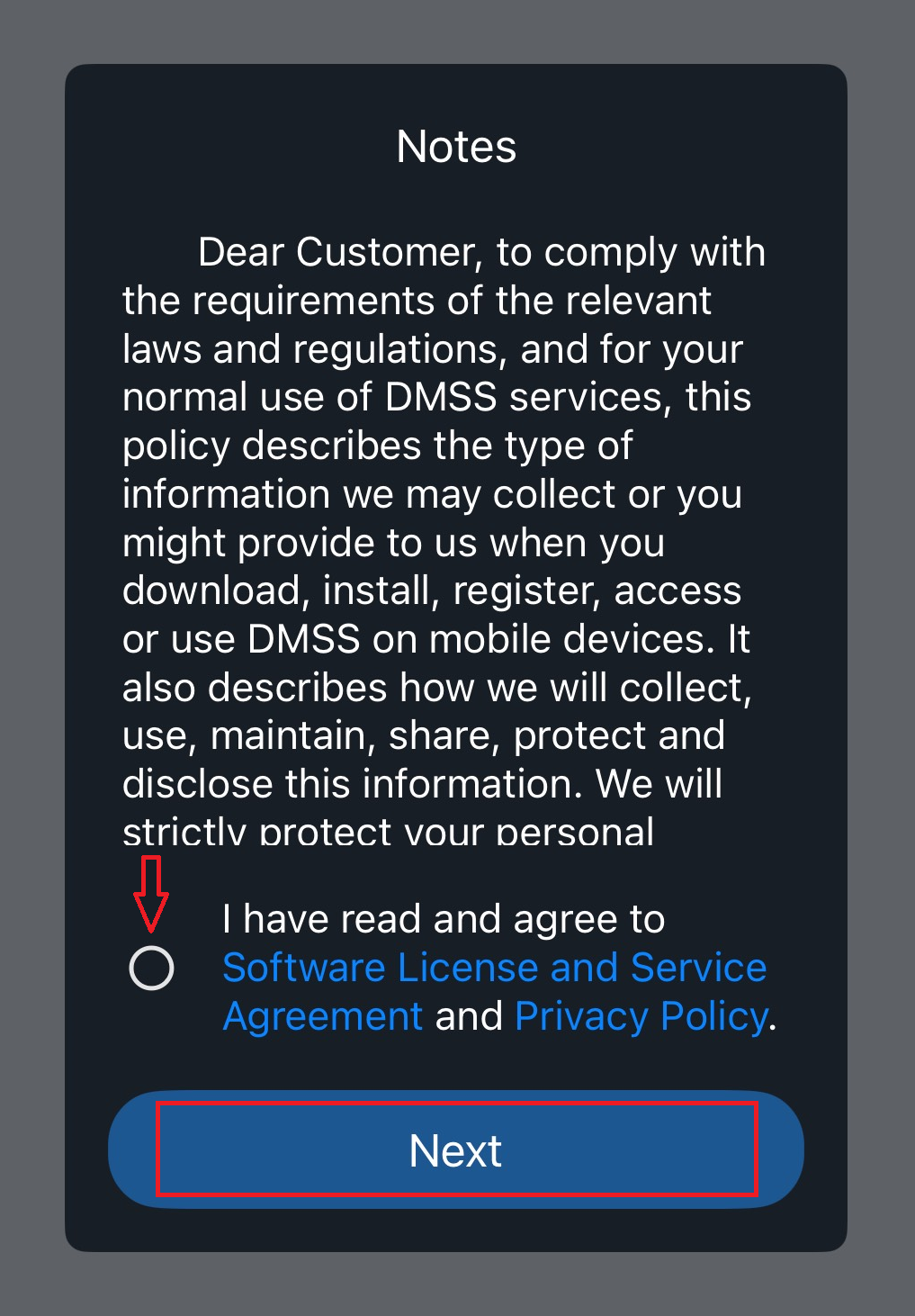
2.) Agree to the terms & conditions then tap Next.
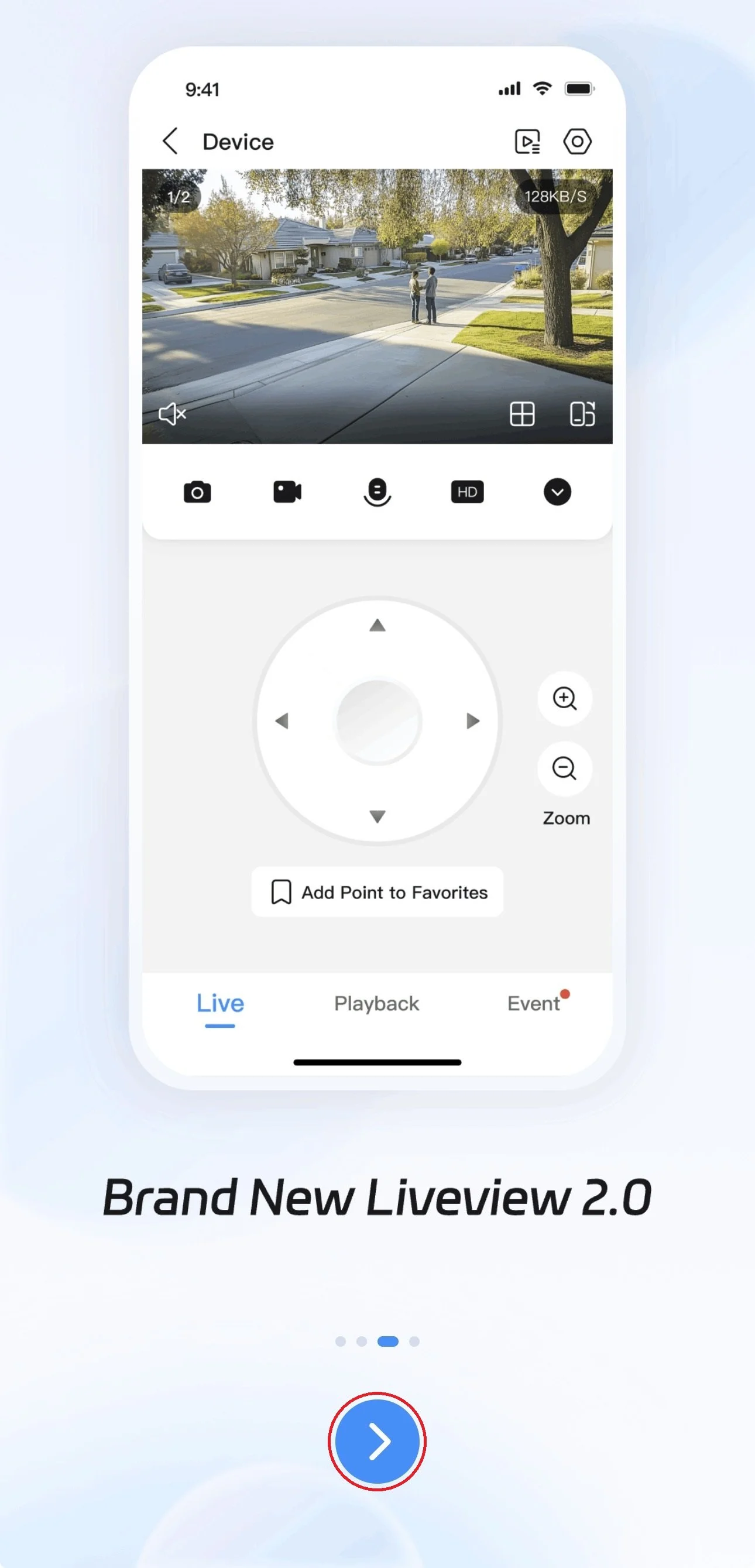
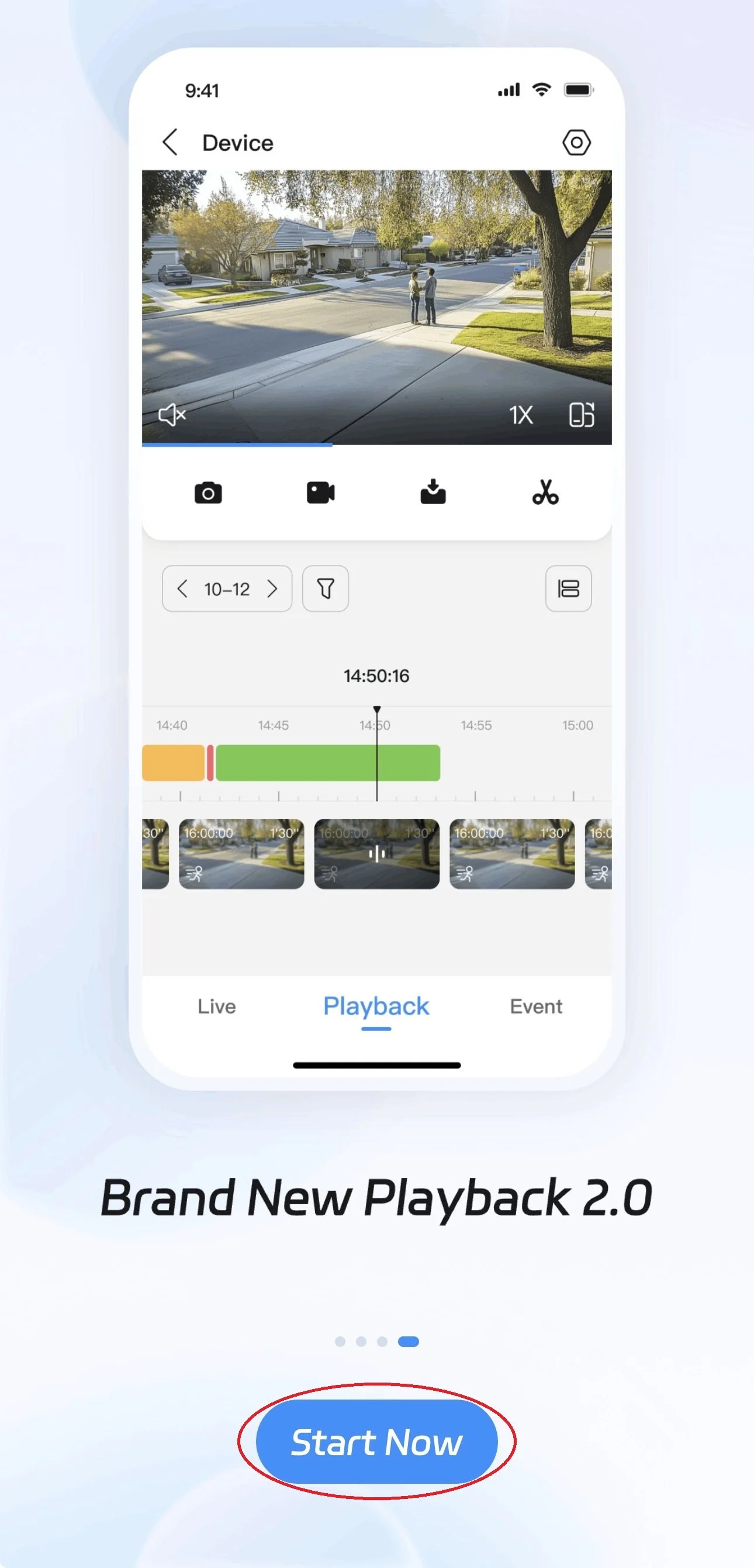
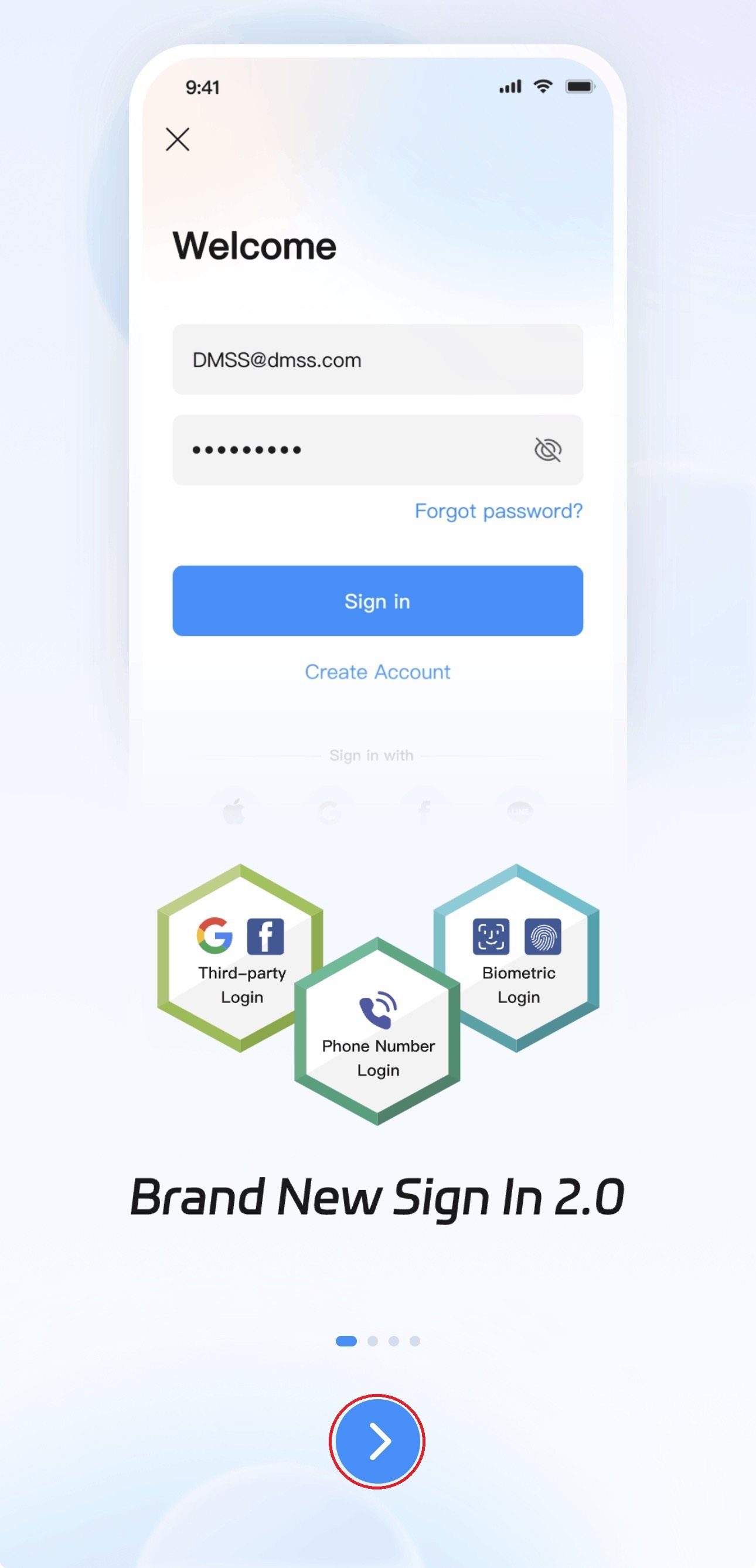
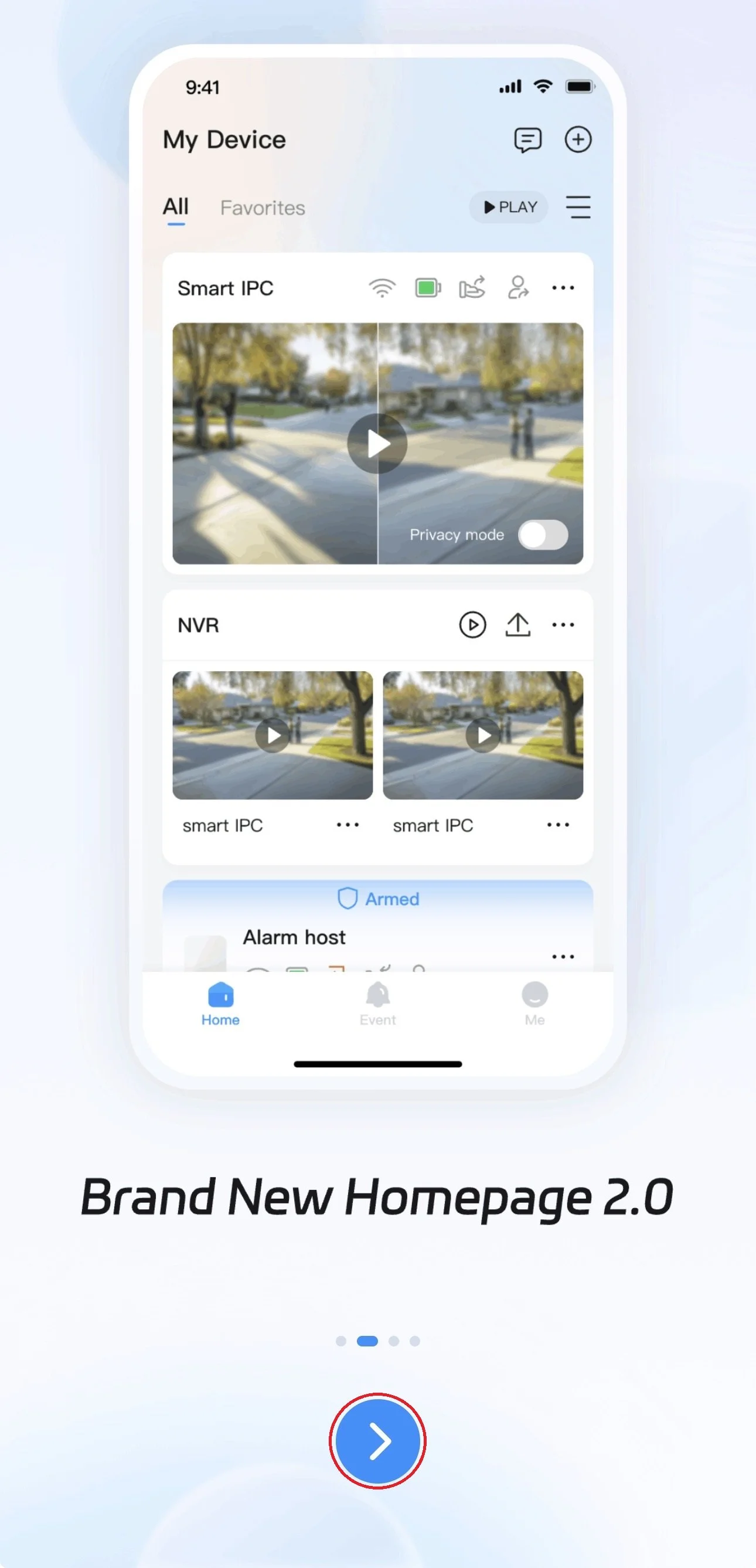
3.) Swipe left or tap the blue arrow to go through the introduction slides. Press Start Now on the last slide to continue.
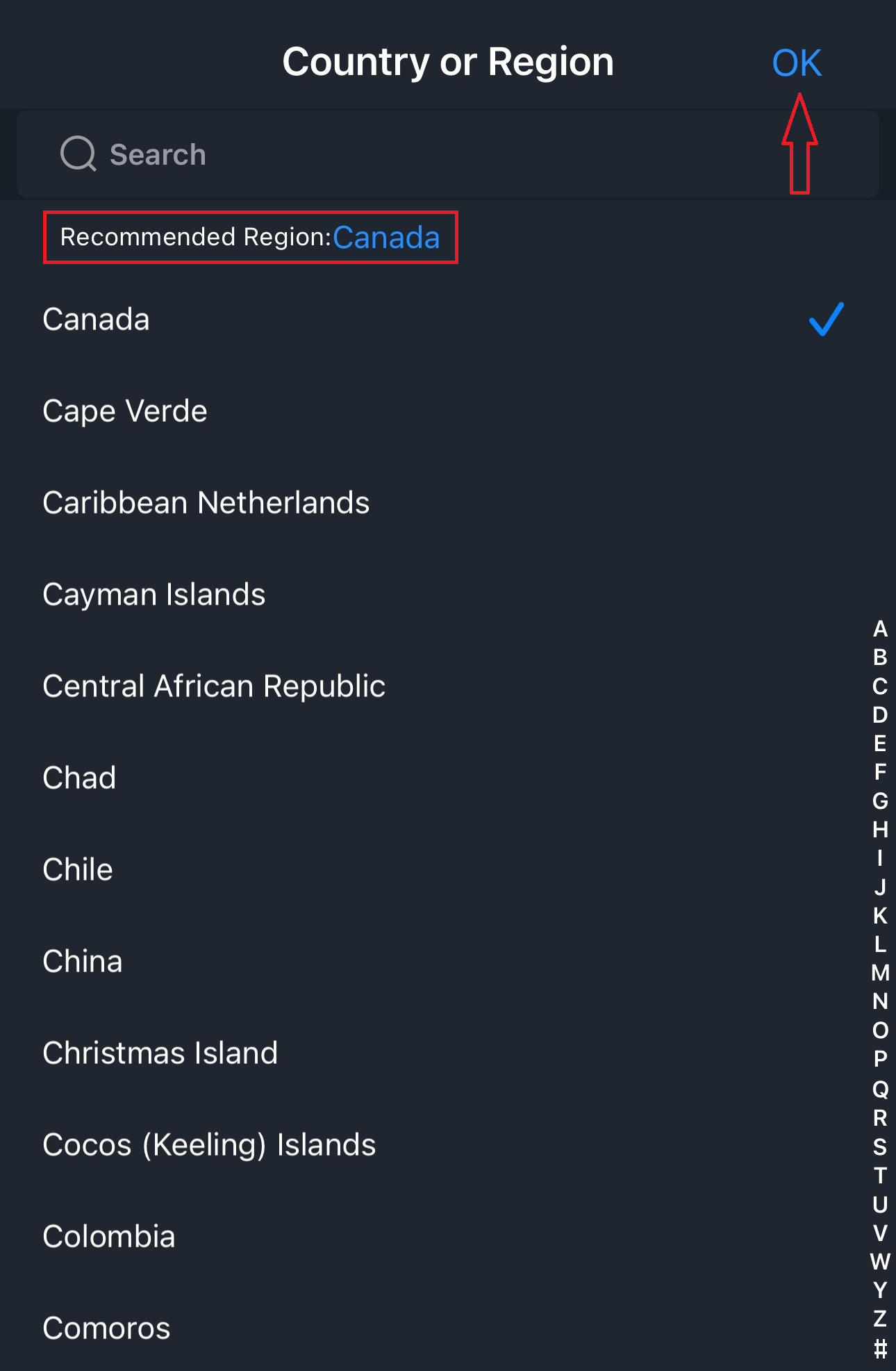
4.) Select your Region. Press OK then tap on the recommended region and press OK.

5.) Next: Create your DMSS Account.