DMSS/Add Your NVR
This guide will show you how to add your cameras on your mobile device using your NVR serial number.
Prerequisites
Instructions
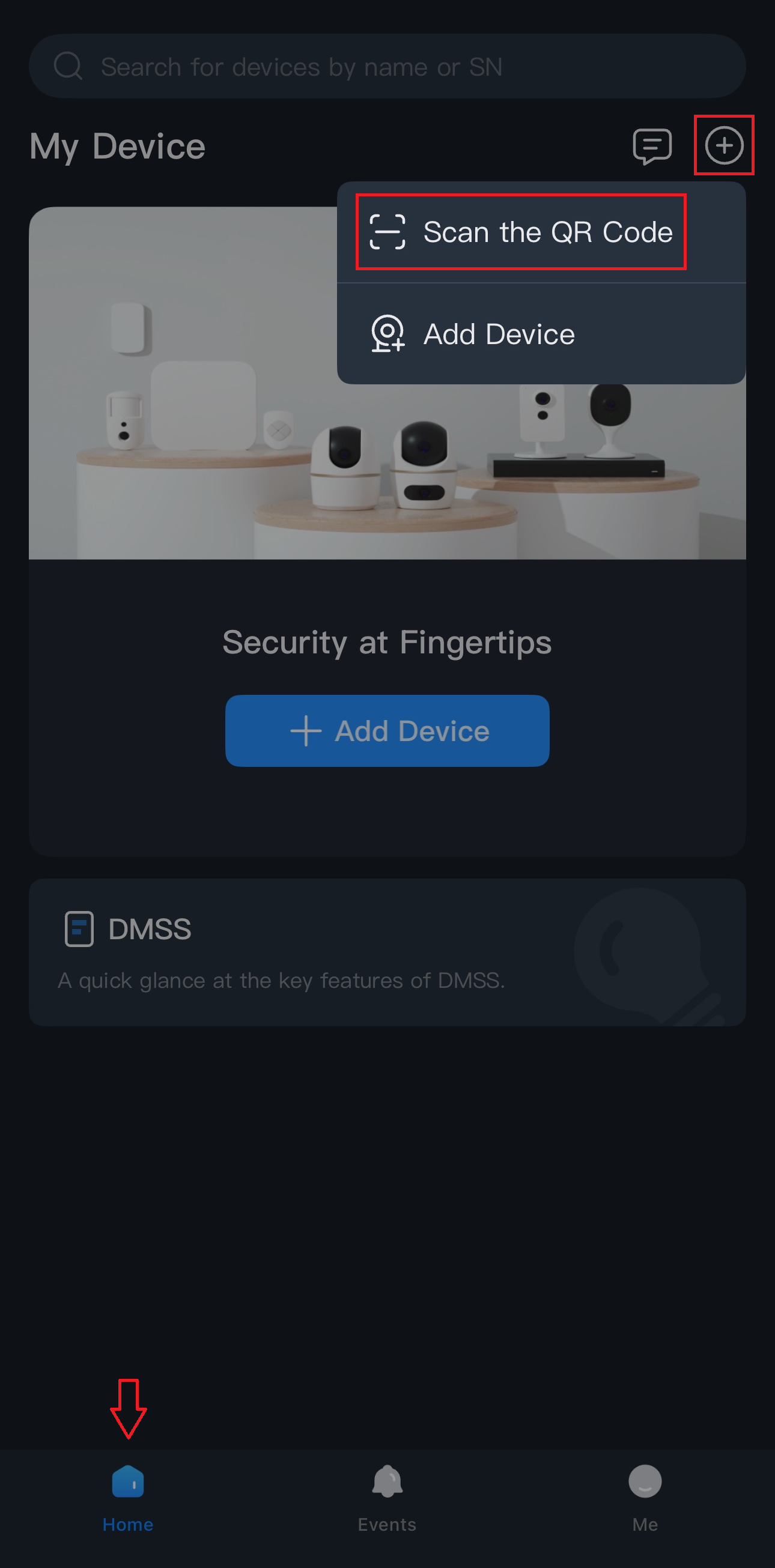
1.) Navigate to the Home tab and tap the + in the top right corner, or the Add Device button.
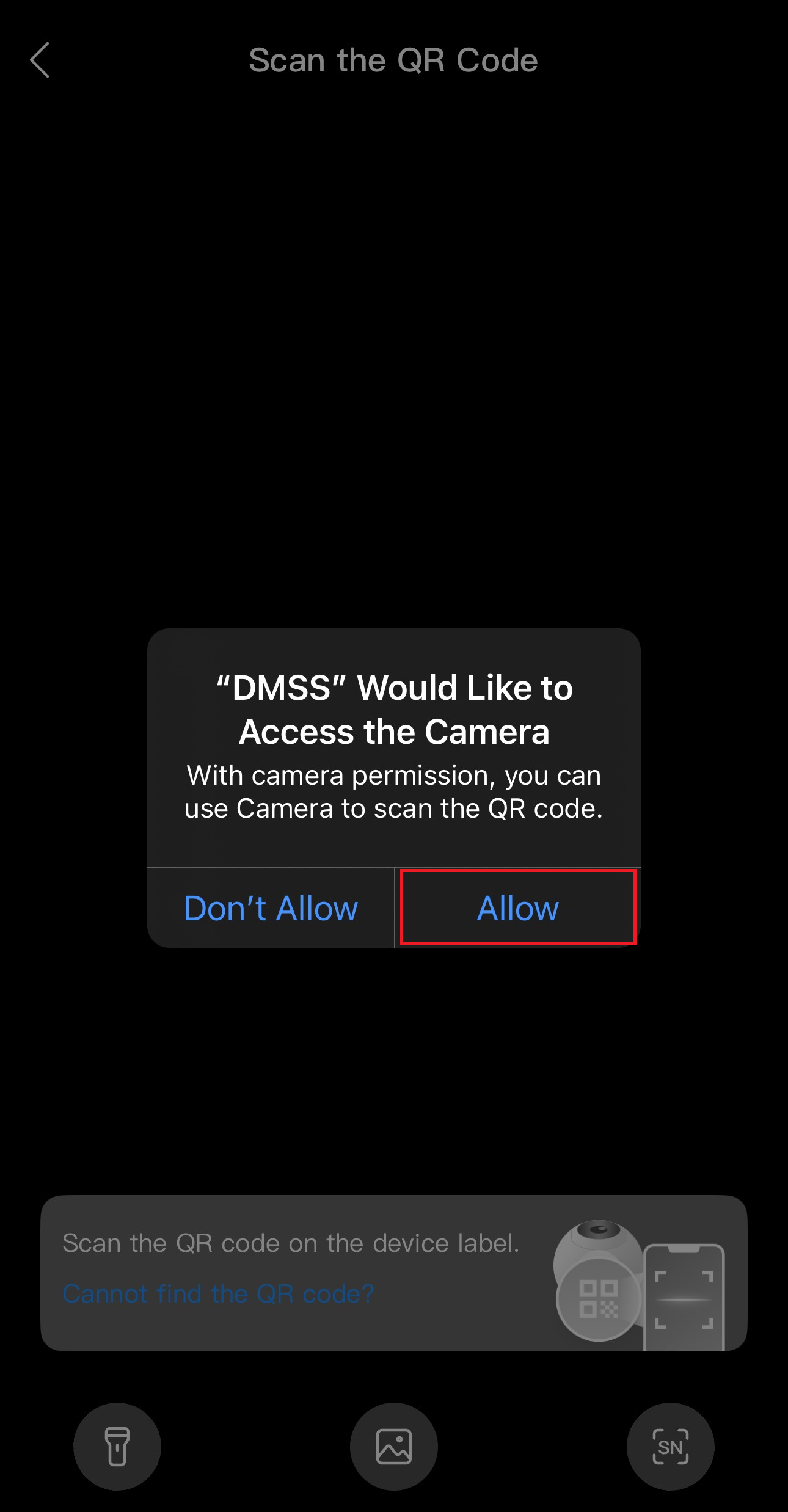
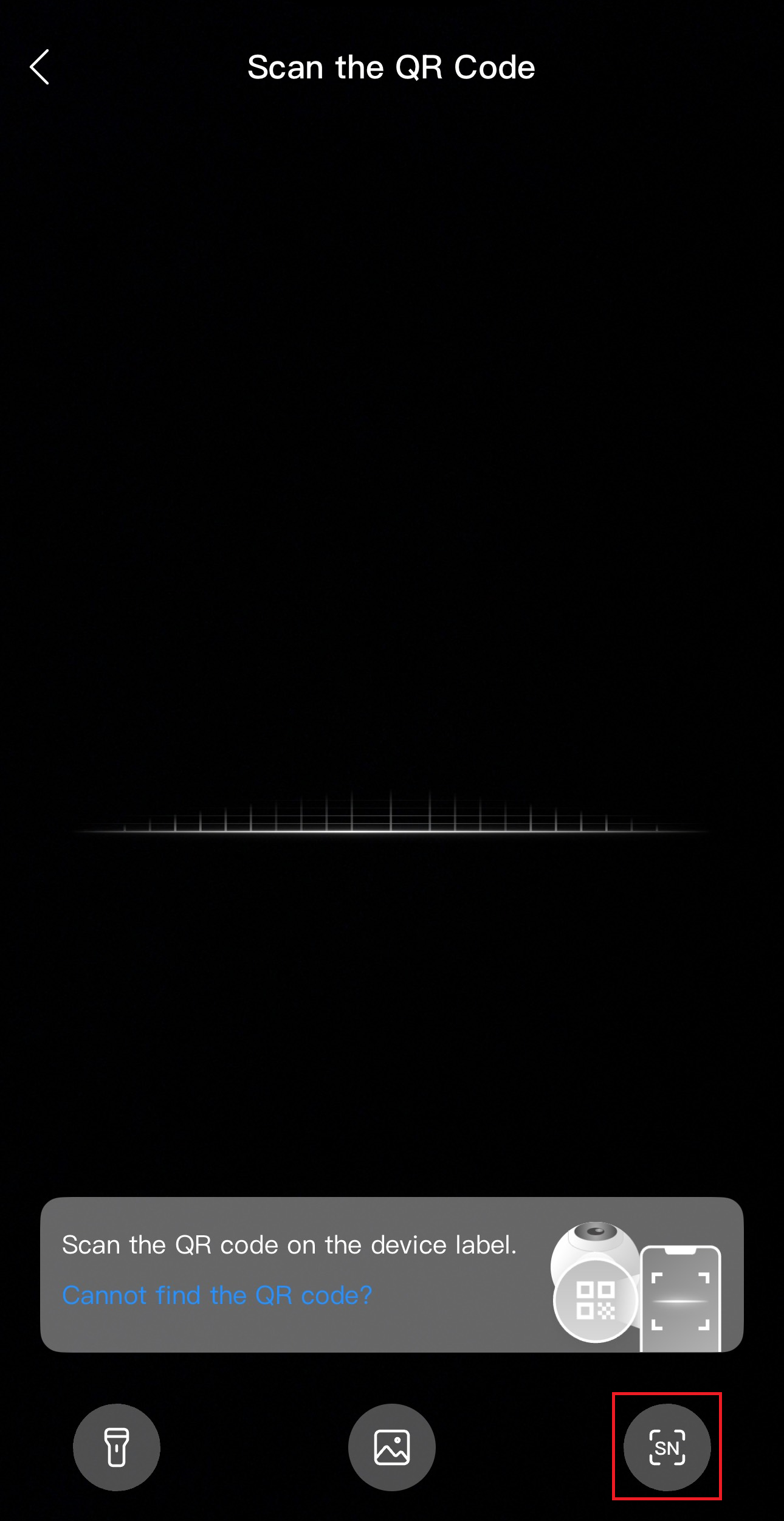
2.) Allow camera permissions if you’re scanning the QR code or tap SN at the bottom right corner to enter the serial number manually.
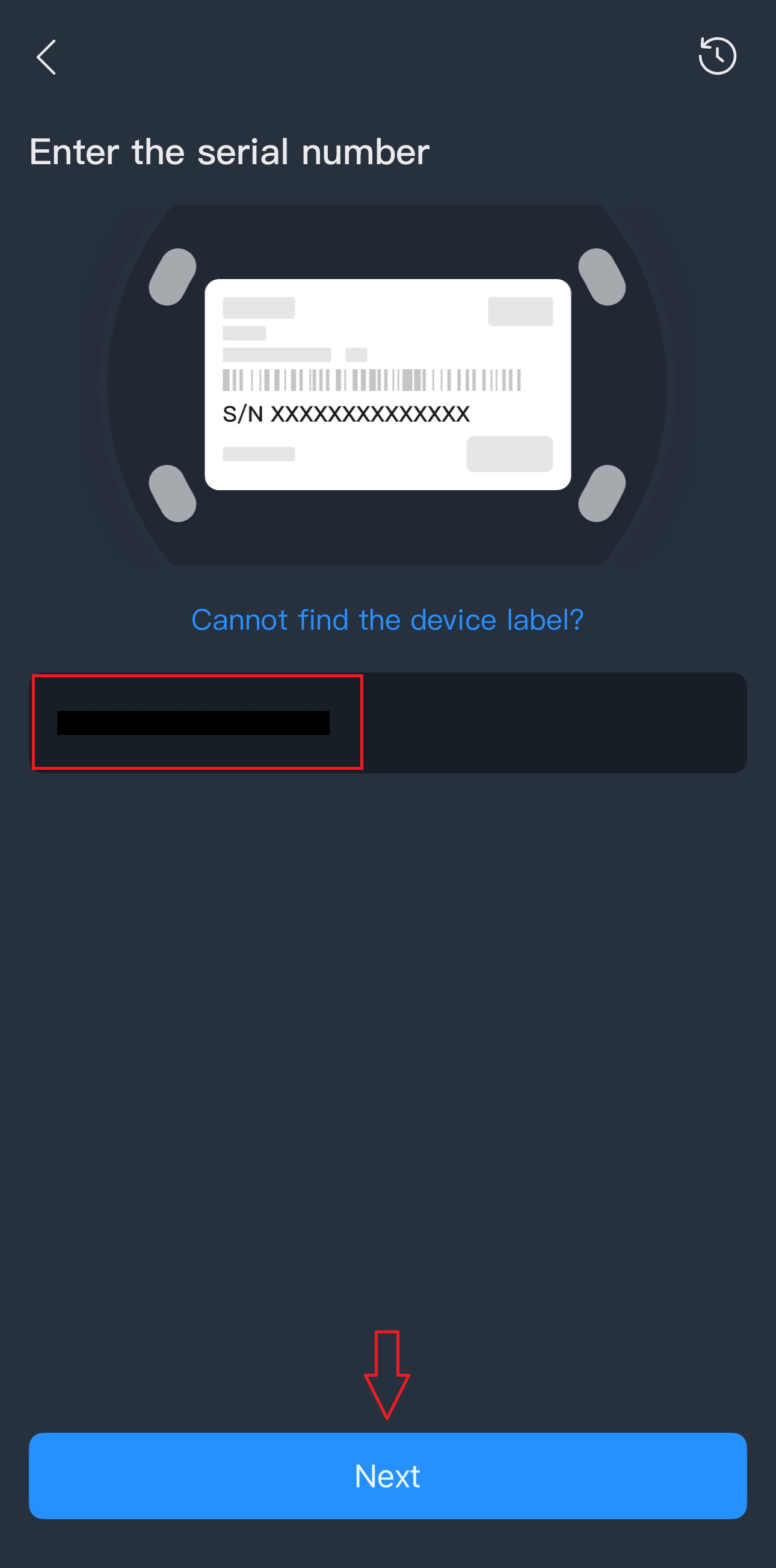
3.) Enter your NVR software serial number then press Next.
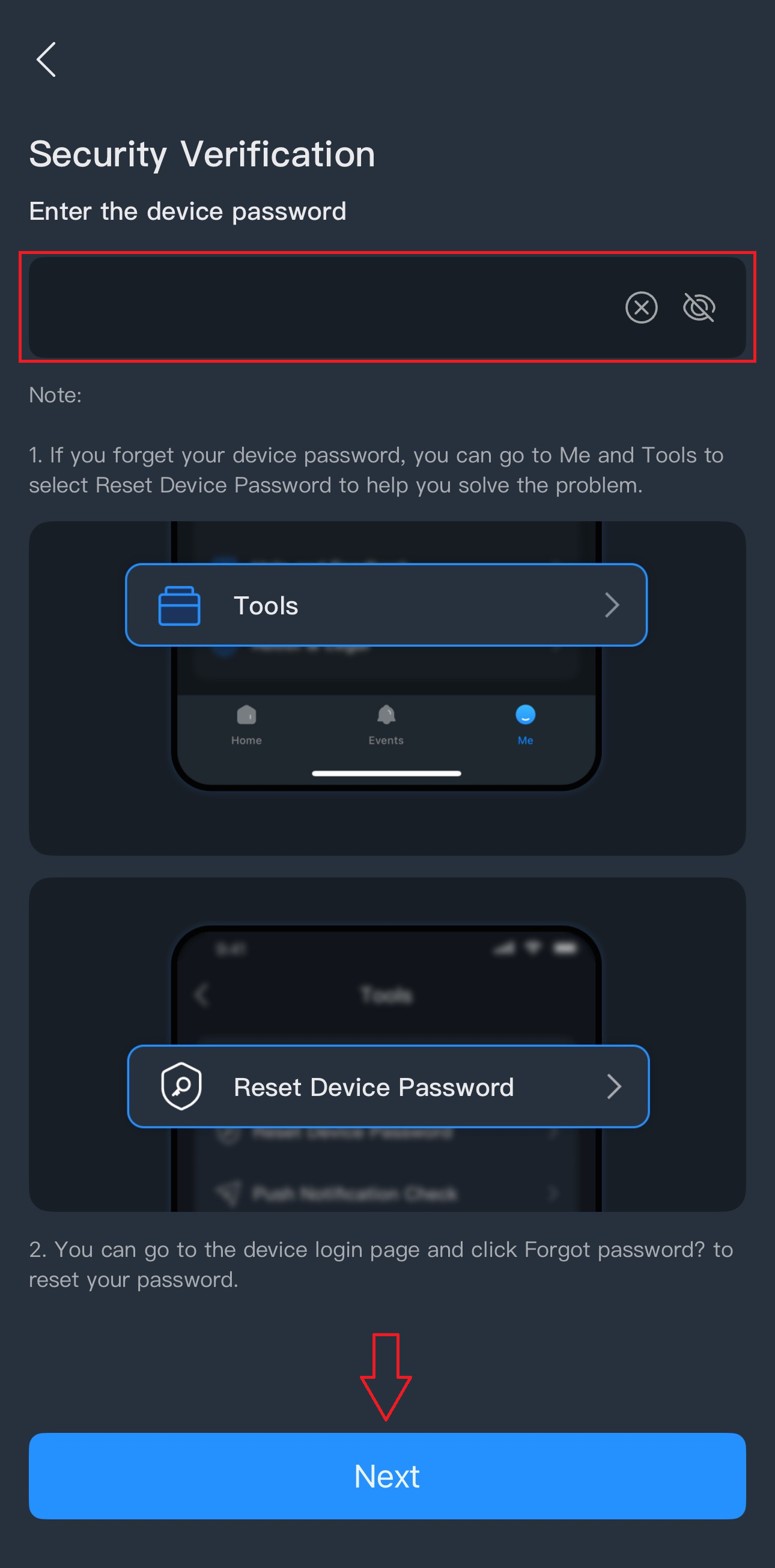
4.) Enter the administrator password provided on your datasheet then press Next.
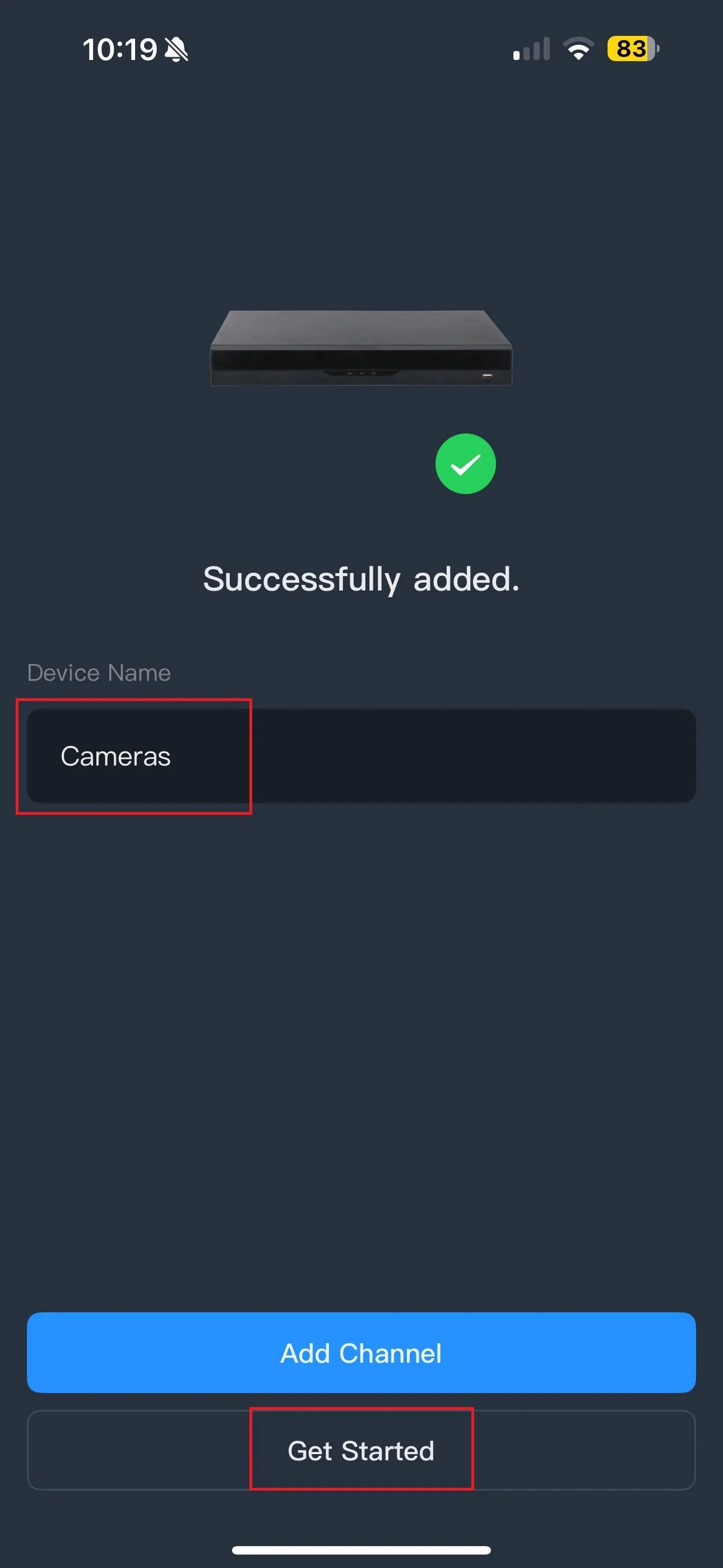
5.) You can change the device name to any name of your choice then press Get Started.